
One source of truth for every relationship.
Nanabase gives your company one shared directory of the clients, partners and vendors it knows. Everyone searches the same directory, and every contact shows who on your team added it.
Who knows whom
See who on your team knows them.
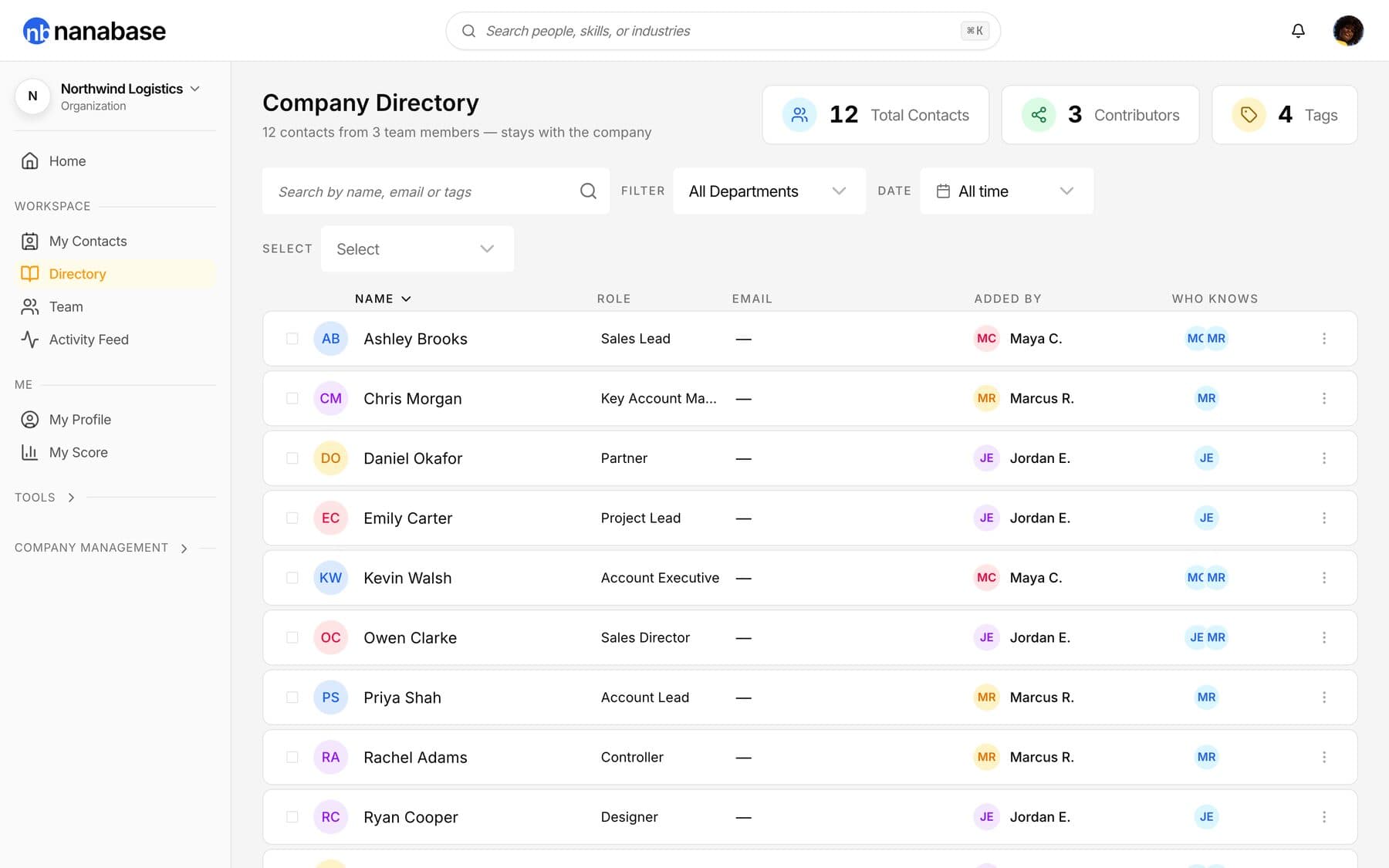
Every shared contact shows which teammates added it, so you know who to ask for an intro. Try it: filter by department, search, or tap a person.
 NorthwindYour company
The directory
Every shared contact, in one directory.
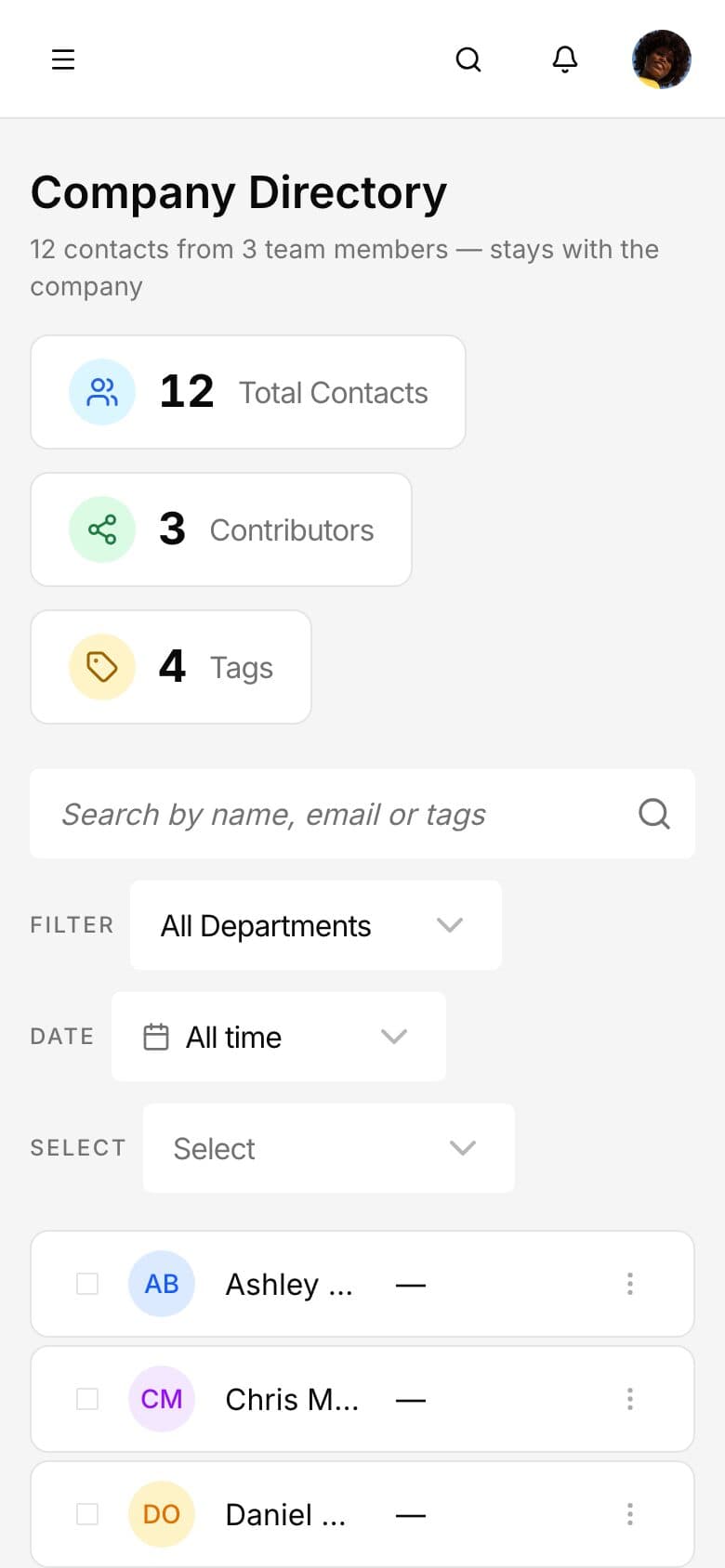
Every shared contact in one place. Filter by department, tag or date, and see how many teammates know each person.
Search
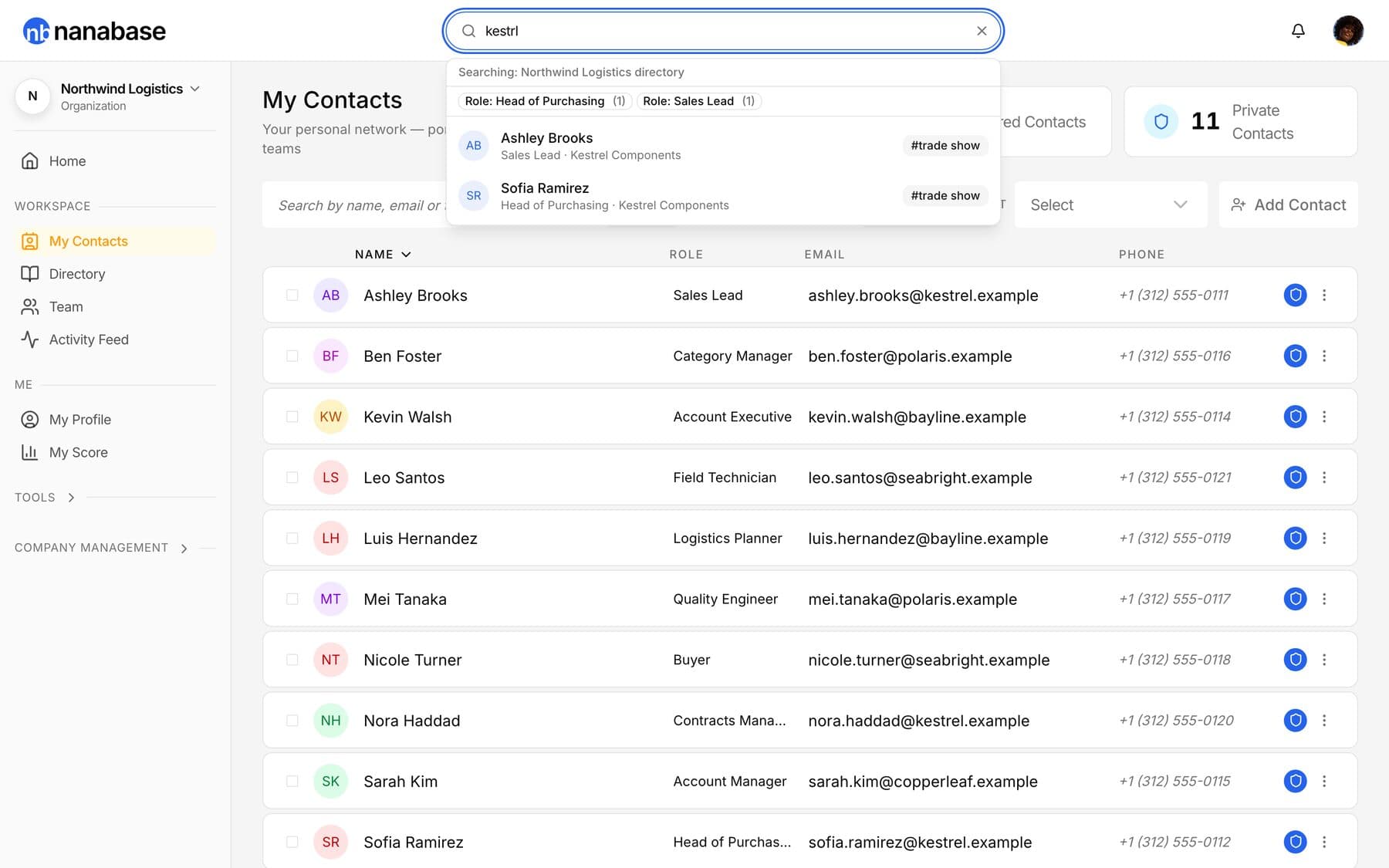
Find anyone in seconds.
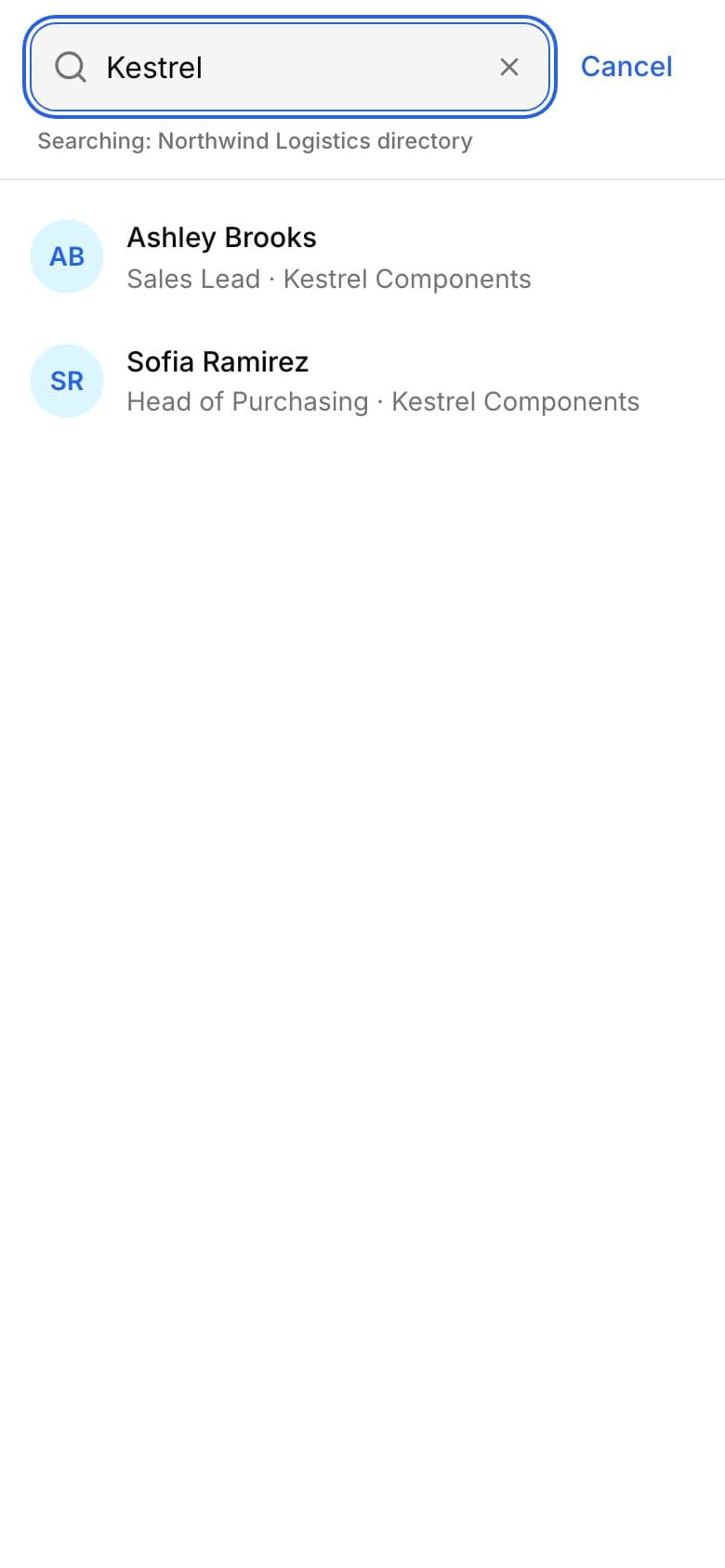
One search box for your private list and the company directory. Search names, companies, roles and tags. ⌘K opens search from anywhere in the app.
Clean data
Shared contacts are reviewed before the team relies on them.
When someone shares a contact, it waits in a review queue. An admin decides what goes into the directory.
- ShareA member shares a contact from their private list. They can withdraw it while it waits.
- ReviewAn admin approves it, edits it and approves it, merges it with a contact you already have, or rejects it with a reason the member sees.
- SharedThe contact appears in the directory with the name of the person who added it.





- Approve several at once. Select the contacts that look right and approve them together. A possible duplicate waits until an admin merges or approves it.
- See what changed. The activity feed tells you who shared, approved, imported or invited, in plain sentences grouped by day. Repeated actions fold into one line. Owners and admins see the whole company; members see their own activity.
- You set how strict it is. The owner decides how strict review is: every contact waits for an admin, contacts go in marked unverified for admins to check later, or they go in right away. A likely duplicate always waits for review.
Team and roles
Admins run the directory. Everyone uses it.
Four roles decide who can share, review and manage people.
- Invite by email, or let colleagues with a work email on your domain join, with or without your approval.
- Answer join requests and choose each person's role.
- Suspend or remove a member. The contacts they shared stay with the company, and you can hand them to a colleague.
Owner
Everything an admin can do, plus how strict review is and deleting the company.
Admin
Reviews shared contacts, invites people, answers join requests, changes member and viewer roles, and manages billing.
Member
Keeps a private list, searches the directory and shares contacts for review.
Viewer
Searches and reads the directory, without sharing or editing.
Import
CSV and vCard files, up to 5 MB each.
Tags
Tag contacts as client, partner, vendor or anything your team uses.
Questions
What can I search for?
Names, companies, roles, tags and departments, across your private list and the company directory. ⌘K opens it from anywhere in the app.
Who approves shared contacts?
By default, an admin reviews each shared contact before the team sees it. You can withdraw a share while it is waiting.
Can an admin edit a contact before approving it?
Yes. An admin can edit a shared contact and approve it in one step, merge it with a contact you already have, or reject it with a reason the member sees. Admins can also select several contacts and approve them together.
Who can see the activity feed?
Owners and admins see the activity of the whole company. Members and viewers see their own.
How do people join our company?
Colleagues who sign in with a verified work email on your company's domain can join. Admins can require approval, and can invite people by email.
Is Nanabase a CRM?
No. A CRM tracks deals and the sales pipeline. Nanabase remembers everyone your company knows, in every department, and works alongside your CRM.
How is Nanabase different from LinkedIn?
LinkedIn shows public profiles. Nanabase holds the contacts your team actually has: the email, the phone number and who on your team added them.
Can I import contacts from Google Workspace or Microsoft 365?
Not yet. Importing from Google Workspace and Microsoft 365 is coming soon. For now you can import CSV and vCard files.
Give your company one directory.
Companies start free, with up to 20 members and 1,000 contacts.
